If this is your first visit, be sure to
check out the FAQ by clicking the
link above. You may have to register
before you can post: click the register link above to proceed. To start viewing messages,
select the forum that you want to visit from the selection below.
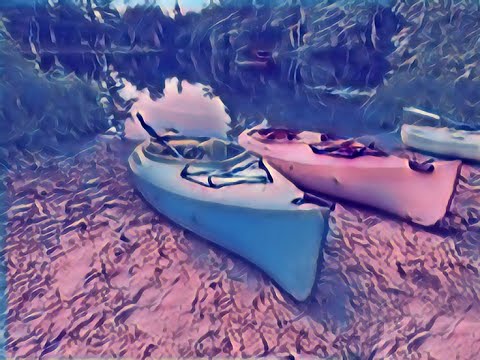
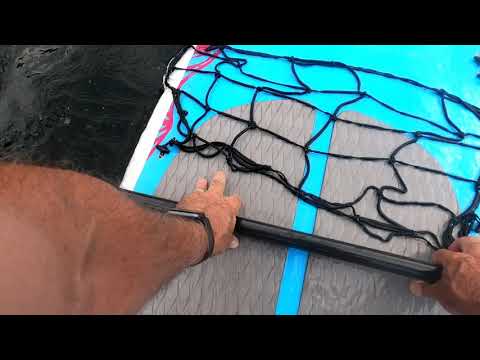
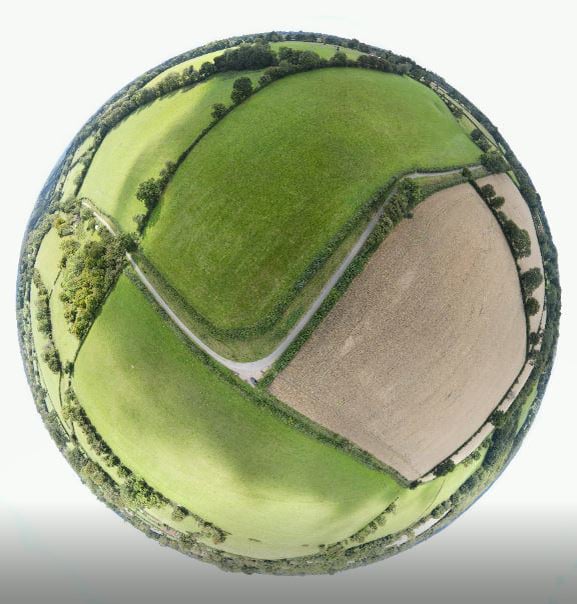
Experimenting today. Here's some sample footage. Starting out with a Drone shot and then going to the iPhone controlled by the DJI Osmo 3 Gimbal with a timelapse and slight pan. Then some GoPro footage that unfortunately is slightly tilted. The chest harness didn't sit well on the life preserver. The last few shots were edited wtih Snapseed, FotoRus, Waterlogue, and Lightroom. All the videos were shot in 4K.
If you're not living on the edge you're taking up too much room. GoldenYearsGeek.com
The resolution online is still pretty bad. Has anyone else experienced this problem with Youtube?
Here's how I uploaded it:
and this is what Youtube is displaying:
Comparison: (GoPro was sitting crooked over my life preserver)
Also I just realized that the uploaded video was 7 minutes long with only 2 minutes of content. That was my fault as I left a text box around the 7 minute mark. I just edited it and uploaded it again, this time at MPEG-4 4K 4096 x 2160/30p 50 Mbps. I understand that Youtube initially displays 4K content as SD but it shouldn't take this long to display the higher resolution.
If you're not living on the edge you're taking up too much room. GoldenYearsGeek.com
Pat your videos are both playing back at 1080 HD and I have to say your first upload is better quality on my monitor. In Power Director do you use the automatic upload to YouTube setting? I do and have found that the video is then available in HD around ten minutes after completion.
Regards Ron.Live each day as if it was your last. One day you will be right. Down sized to Nikon s7000 compact camera.
Ron - I'm still getting marginal quality viewing either video on my PC. Thanks for the suggestion of uploading to Youtube via PowerDirector. I hadn't done that before. I just initiated another unlisted upload using that approach. It's taking quite a while. I'm heading for the golf course and will check it when I get back.
If you're not living on the edge you're taking up too much room. GoldenYearsGeek.com
In doing some research it appears I'm better off uploading 4K to Youtube using HEVC 264 instead of 265. I'll test it after it's uploaded to see if the quality improves.
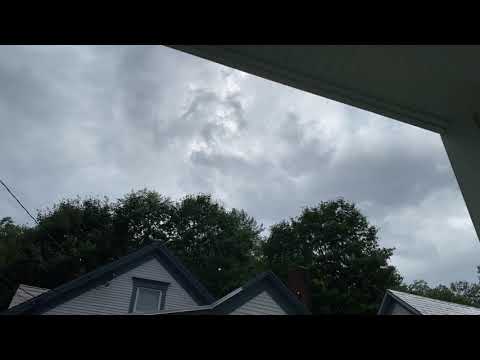
This video is a series of panning timelapses during a thunderstorm using the Osmo 3 Gimbal and an iPhone 11 Pro Max.
If you're not living on the edge you're taking up too much room. GoldenYearsGeek.com
Finally figured out the display problem. I was able to watch my Youtube videos in 4k on Edge but not Chrome. I discovered that if I clicked on the Settings Icon in the Youtube video, the resolution was set to Auto which is 360. I switched to 4K and the view immedialely became sharp.
If you're not living on the edge you're taking up too much room. GoldenYearsGeek.com
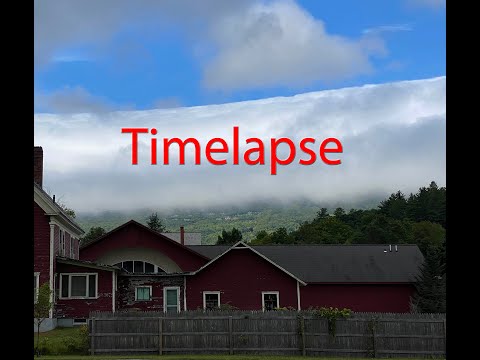
We saw the strangest stratus cloud hugging the mountain today. I set up the iPhone on the Osmo Mobile 3 and set the timelapse to 30 minutes and pan. I then compressed it down to 20 seconds. Penny will post a still shot of it in the Weather contest.
If you're not living on the edge you're taking up too much room. GoldenYearsGeek.com
Wow! That is so cool! I imagine the Air 2 can handle winds better that the Mini.
It is an incredible machine Pat - well worth a treat for myself.
I have flown it in winds where I wouldn't the Mini.
I will show some footage when I have mastered a new editing software. I lost my previous program when I suffered a loss of some software. I found I still had Windows Movie Maker from years back and simple to use.
I looked at Da Vinci but didn't like it - currently trying to get a handle with Shotcut.
I had hoped to film some harvesting today but the guy cutting wheat said no as he was the contractor and not the farmer.
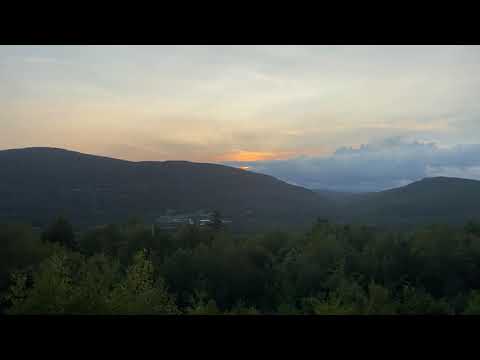
I took the Osmo to the summit of Commonwealth Point near my house to do a panning timelapse of the sunset. I was hoping for a nice pink sky but it never materialized. The time lapse feature did work and the moving clouds at the end look pretty cool.
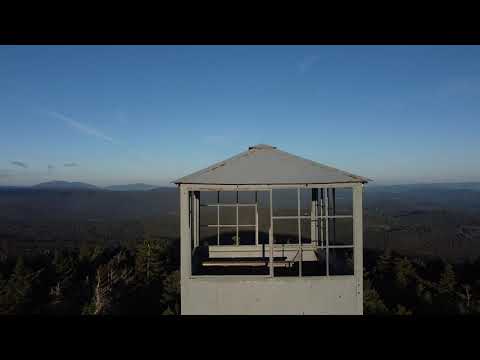
The Osmo will also do DynaZoom (also called DollyZoom) in which the object stays roughly the same size while the background gets smaller or larger. Here's a short example
If you're not living on the edge you're taking up too much room. GoldenYearsGeek.com
We process personal data about users of our site, through the use of cookies and other technologies, to deliver our services, personalise advertising, and to analyse site activity. We may share certain information about our users with our advertising and analytics partners. For additional details, refer to our Privacy Policy.
By clicking "I AGREE" below, you agree to our Privacy Policy and our personal data processing and cookie practices as described therein. You also acknowledge that this forum may be hosted outside your country and you consent to the collection, storage, and processing of your data in the country where this forum is hosted.
 Tweet
Tweet


Comment